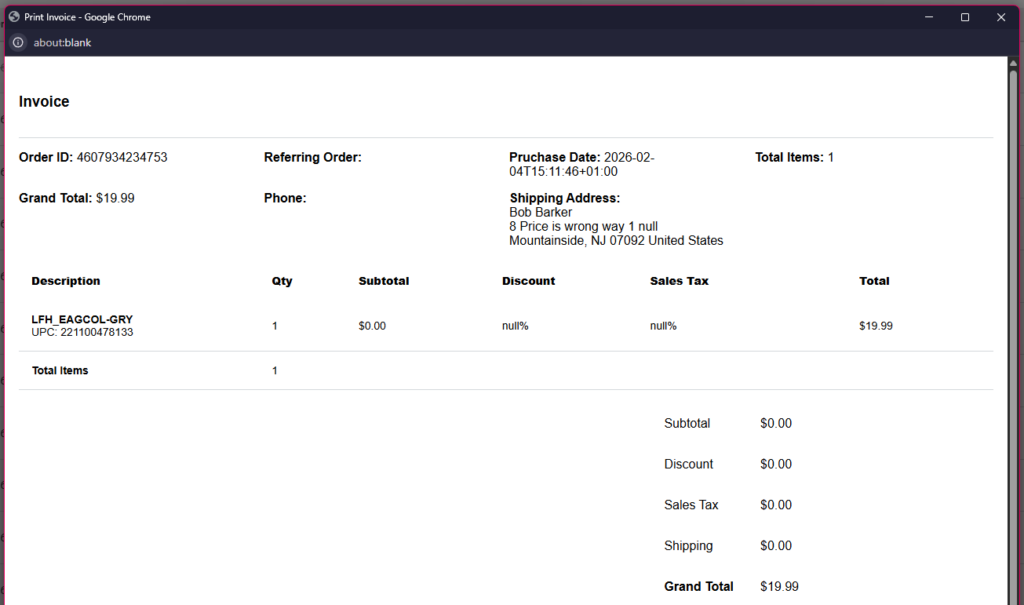
An invoice is a standard document in the warehouse business, and OMNI is an app that makes it easy.
The simple process of printing an invoice is demonstrated in this video.
For any ambiguities or additional questions, please, contact us directly.
A) Steps to print an invoice
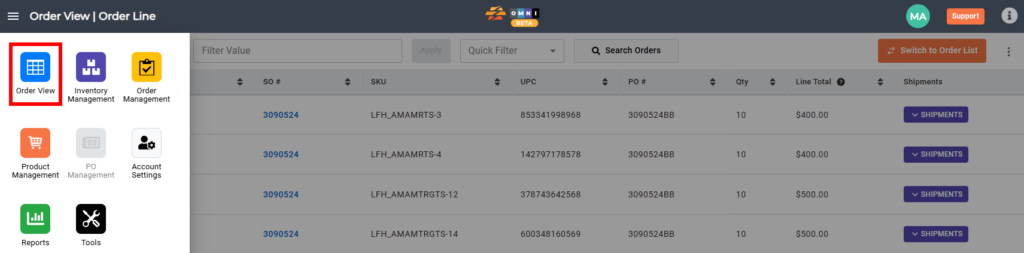
- Go to the main menu.

- Select “Order View”
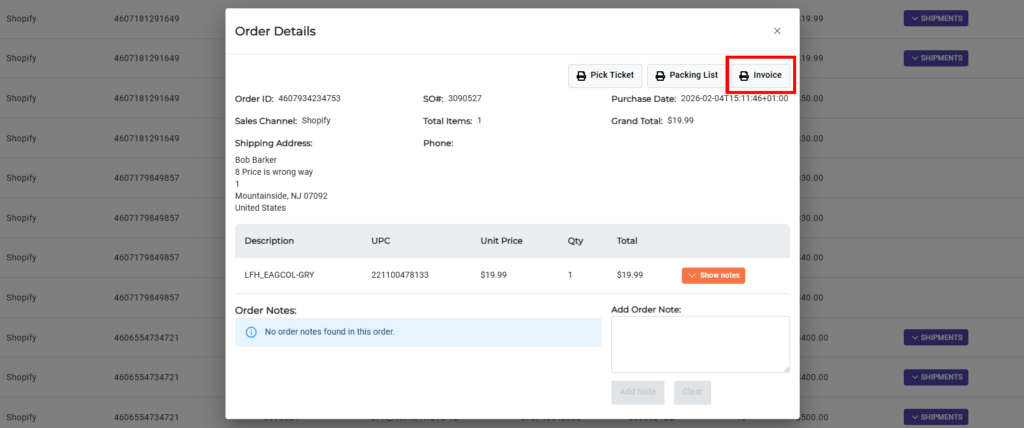
- Left mouse button click on SO# to open Order Details
- Press the “Invoice” command button at the top of the preview popup window
- View or print the invoice by pressing the CTRL+P keys