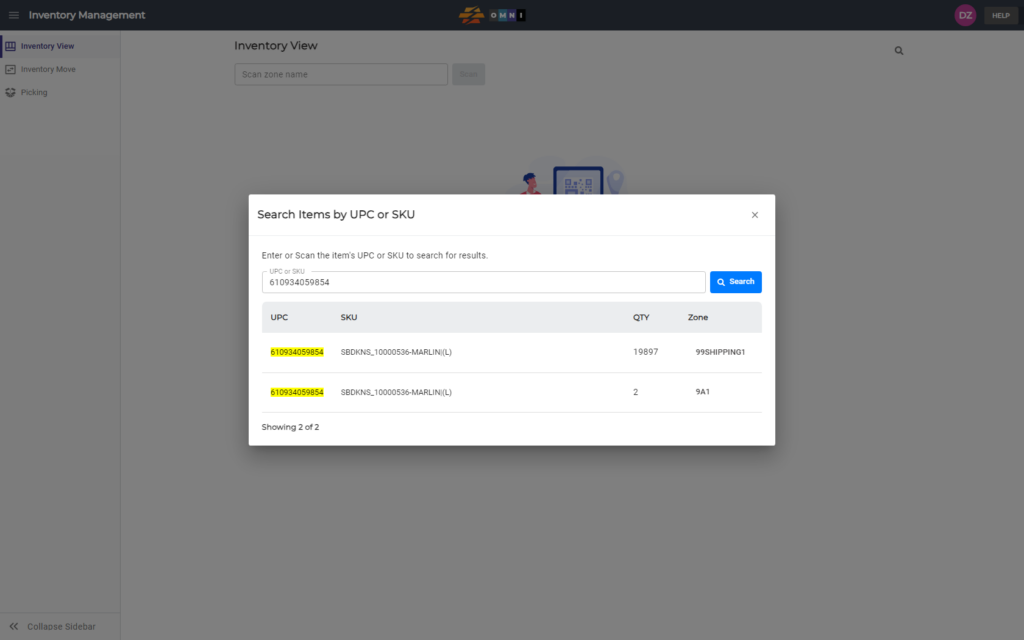
This will show you how to search for products in your system. You will be able to search by partial or full SKU or UPC. Quantities will be shown in accordance to zones their are located in.
A) Main menu
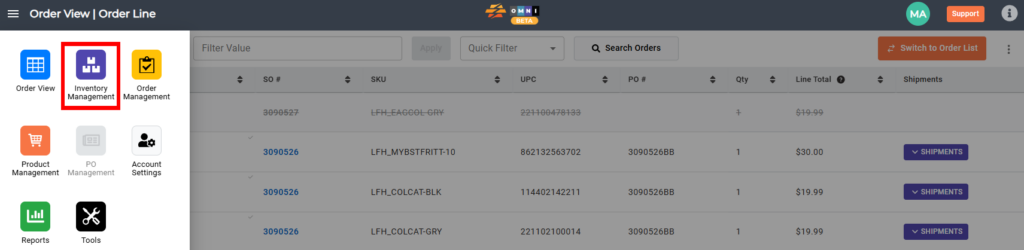
- Go to the main menu
- Select “Inventory management”
B) Search preparation
- Select the “Inventory View” in the submenu
- Click the magnifying glass to open the popup search window
C) View search result
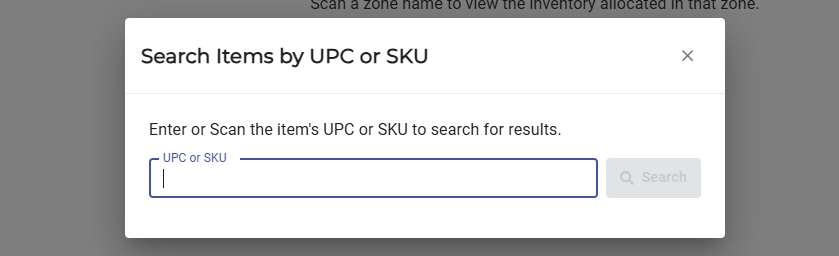
- Enter or scan the item’s UPC or SKU
- Click the “Search” button to see the results