


This is how you scan or enter into a zone. Once in the zone, you can start scanning in products once you’ve locked the zone to start modifying.
A) Main menu
- Go to the main menu.
B) Inventory Management selection
- Select “Inventory Management”
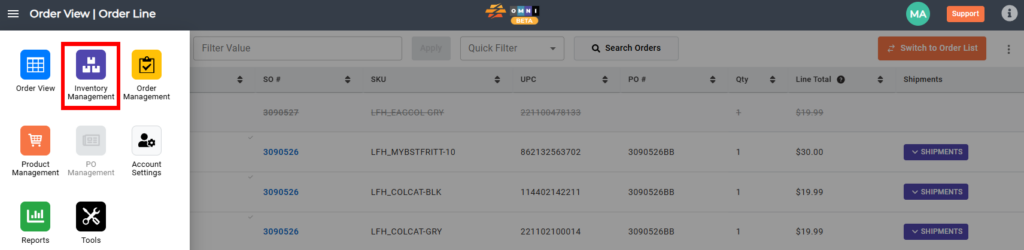
C) Inventory manipulating
- Enter the “Scan zone name” field
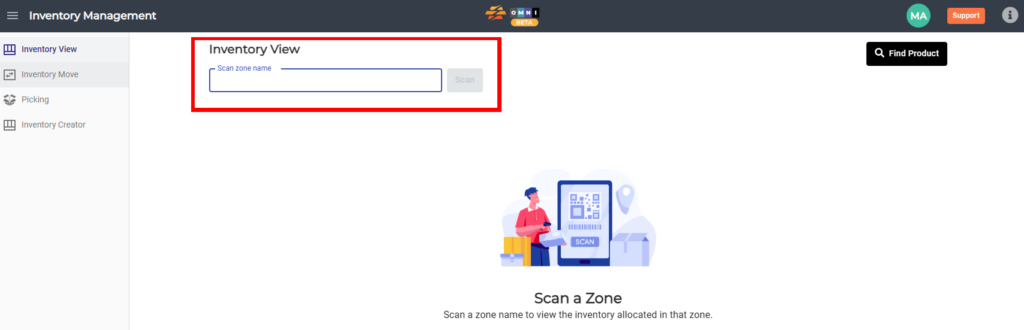
D) Making / preview zone
- Type zone name in combination form number-letter-number example: “1A1” or “11AA2
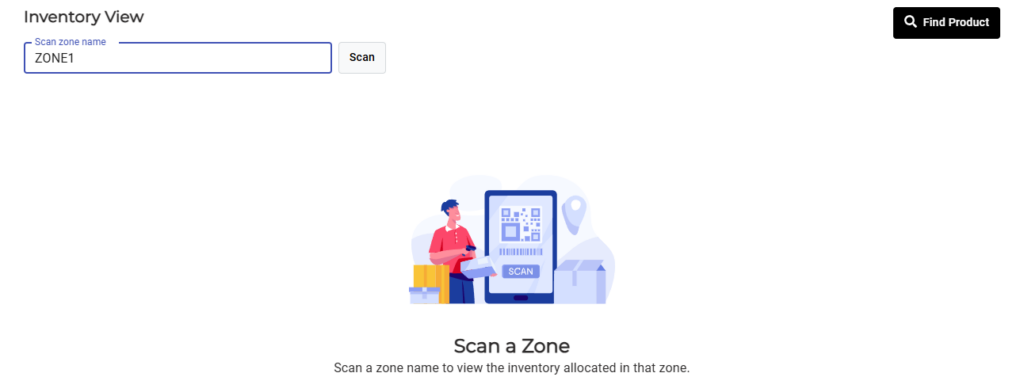
D) The last step before making / previewing zone
- Press the “Scan” command button
- You enter the zone. Notice: A zone will only be considered active once products have been scanned or entered into the zone
